Try your survey on a few people first
Up to 10 people you trust answer your draft. Where a question stops them, they leave a note, and you fix it before you publish.
Here’s how a pilot works
Send it to a few people
Up to 10 people you trust get a pilot link, separate from the one you’ll publish. No account needed.
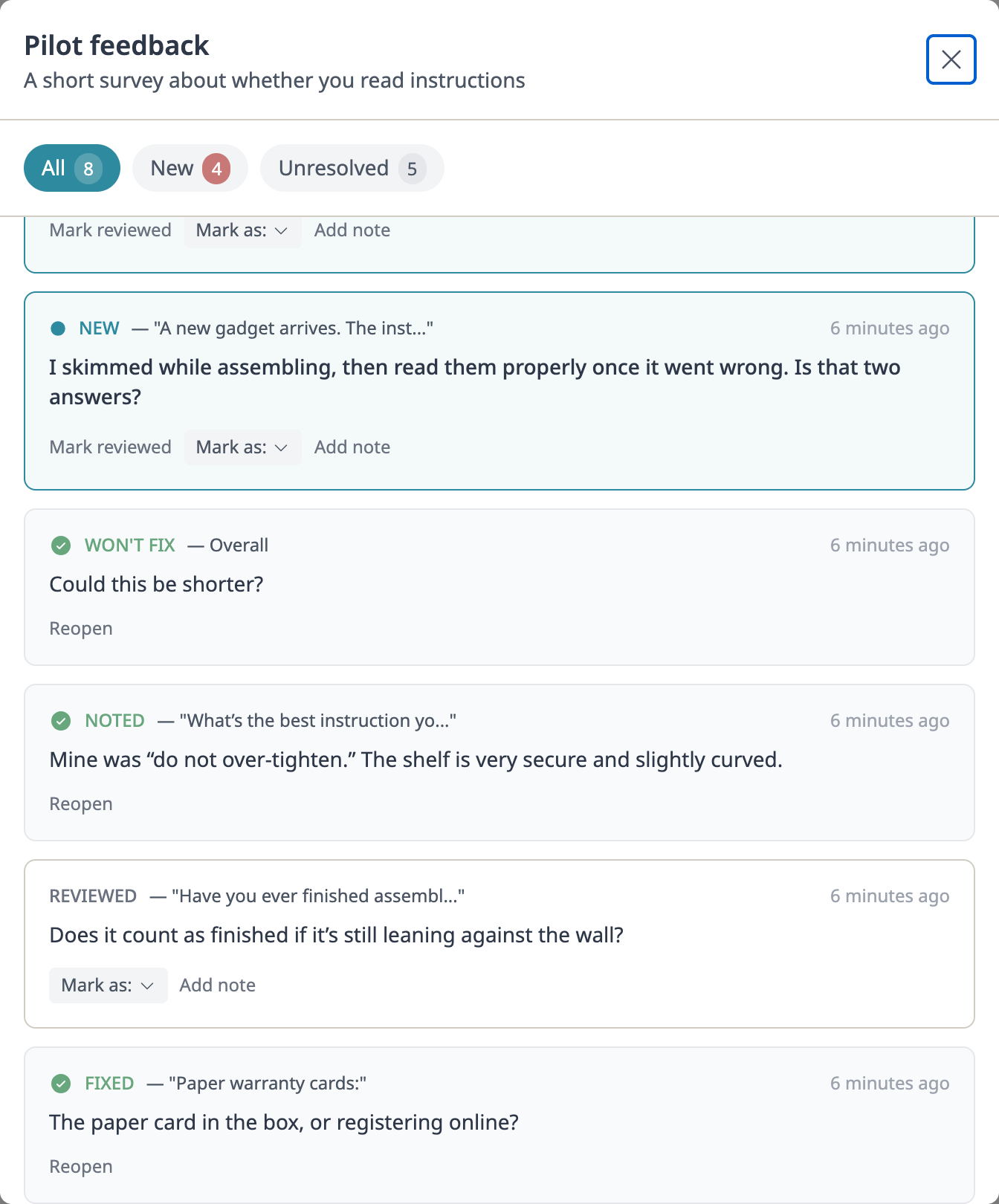
See what confused them
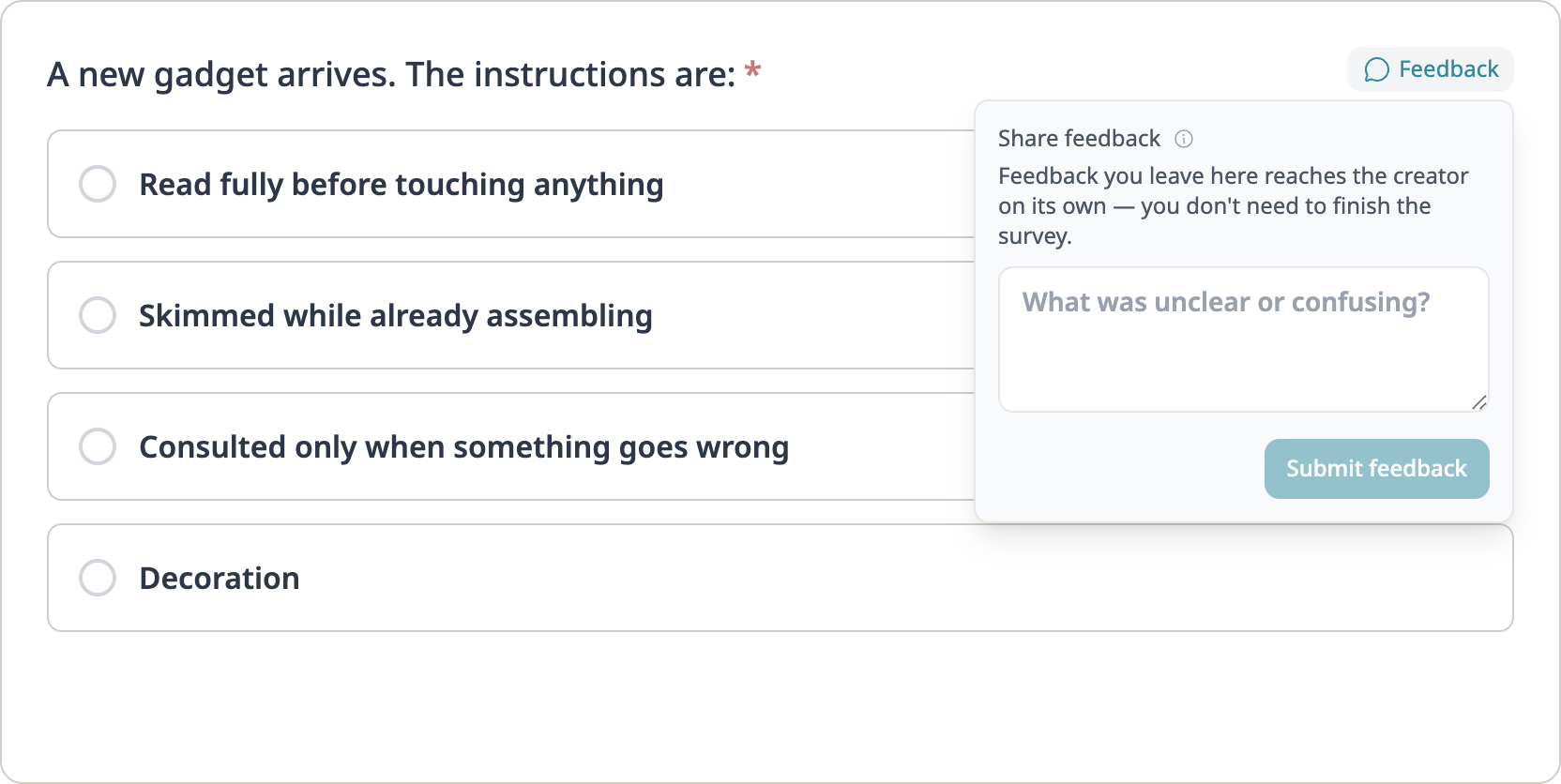
Each note lands on the question it’s about. If two of five stopped at the same place, look there.
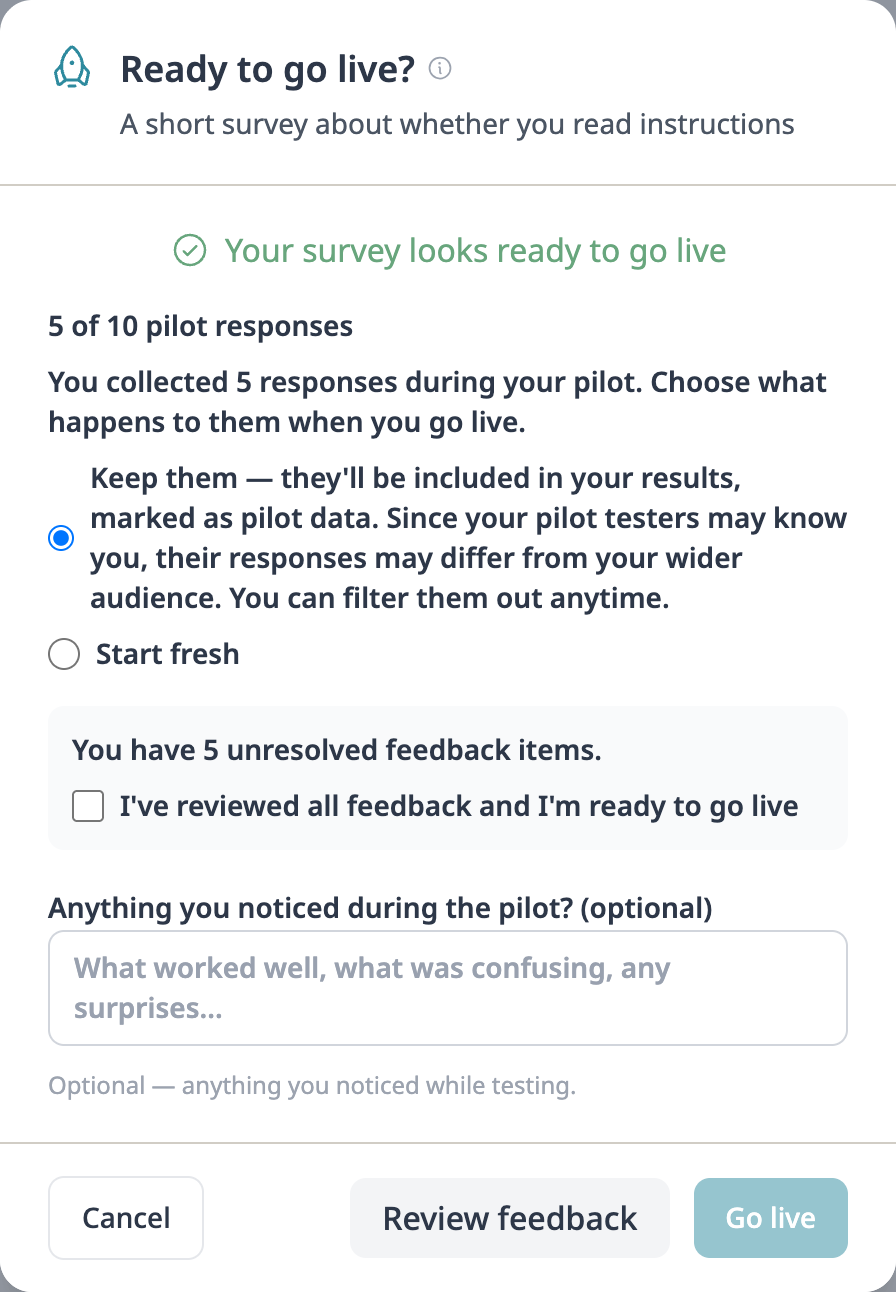
Fix it, then publish
Change anything as you go, and the report marks what was answered before the change and after it. When you publish, keep their answers or set them aside. Nothing is deleted.
What you’re asking of them
They open your link and take the survey the way anyone else would.
- They don’t need an account.
- Beside each question is a place to say what tripped them up.
- They stay anonymous unless they choose to say who they are.
- If they stop partway, the notes they’ve left have already reached you.
Pilot as many surveys as you like
Each survey can go to up to 10 people in all. Pilots come with every Candor subscription, Candor Free included. They never use up your free 30-day survey.
Sign up free No credit card required